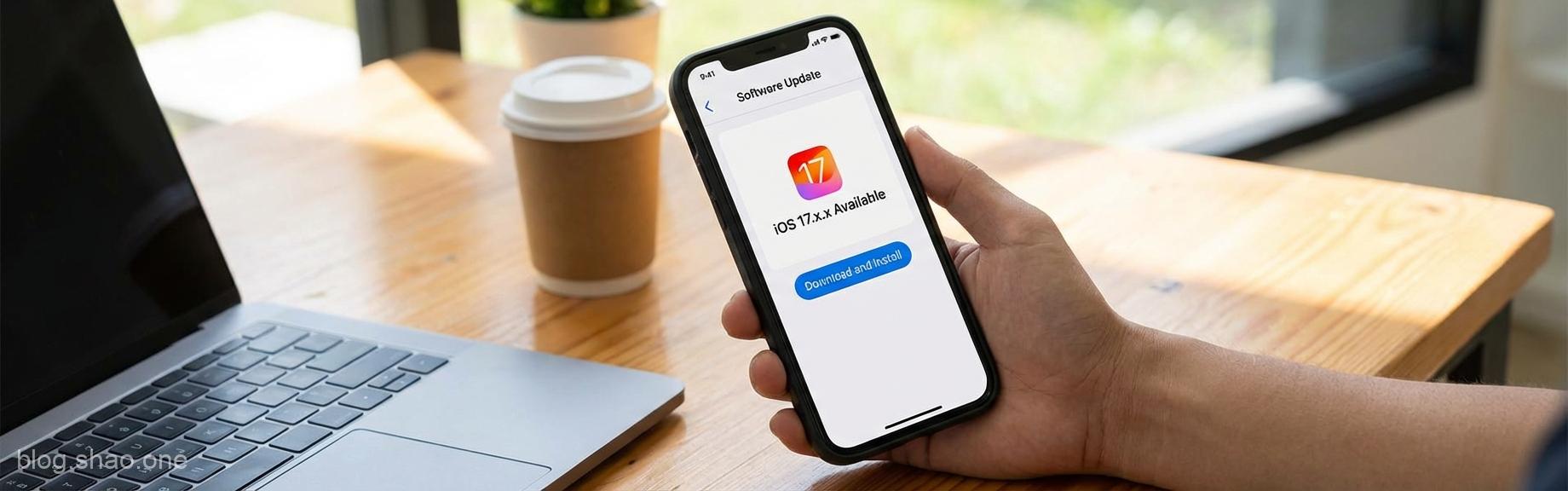
“To all our ‘smartphone addict’ friends who never let their phones leave their side, today’s news is truly no joke! If the iPhone in your hand is still running an older version, you must read through this ‘survival guide.’ According to the latest report from Forbes, Apple has issued an unprecedented emergency appeal, requiring hundreds of millions of iPhone users worldwide to take immediate action and update their phones to the latest version. What exactly is going on? Is Apple just ‘squeezing the toothpaste’ with minor updates again, or has something serious really happened? Let’s find out together.
⏰ Don’t ‘Wait a Minute’! Apple is Truly Worried This Time
In the past, when Apple released updates, everyone might wait and see if there were any ‘disasters’ or if the battery would ‘drain rapidly.’ But this time, the situation is completely different. Apple made a decision in December that left the tech world ‘stunned,’ and followed up with more update details in mid-January. This decision involves the security of hundreds of millions of iPhones. In other words, this isn’t one of those ‘fixed a few minor bugs no one noticed’ updates; it’s about those ‘private’ photos in your phone, bank account passwords, and your personal privacy.According to reports, Apple has rarely issued warnings for older devices as well. This means whether you are holding the latest iPhone 15 or are a ‘loyalist’ sticking with an old model, you may be on the affected list this time. If you are still using ‘automatic updates might cause problems’ as an excuse, then this time you might really be ‘shooting yourself in the foot.’
🛡️ Point 1: Cybersecurity is No Small Matter; Beware of Your Phone ‘Running Naked’
Why is this update absolutely necessary? The core reason is—Zero-day vulnerabilities. To put it simply, ‘A thief has discovered your back door is unlocked, and they’ve already started gathering a gang to come and steal things.’
- Hackers’ Goal: These vulnerabilities allow hackers to execute malicious code remotely without your knowledge. This isn’t a movie; this is a very real cybersecurity risk.
- Apple’s Countermeasure: Apple’s update this time is to ‘mend the fold after the sheep are lost,’ fixing the vulnerabilities before the disaster spreads. For the company to issue such a major appeal means these vulnerabilities have already been exploited in the wild.
In Taiwan, we often say ‘no news is good news,’ but in the digital world, this concept can be dangerous. If you don’t update, your phone is essentially ‘running naked’ on the internet, with all your personal data exposed to risk.
📱 Point 2: Who Are the Mentioned ‘Outsiders’? Check the List
This update appeal is not just for a single model but covers a very wide range. If the iPhone in your hand is one of the following, do not hesitate any longer:
- Newer Models: For models from iPhone XS onwards, you must ensure you have updated to the latest version of iOS 17 or above.
- Older Models: Even for ‘old comrades’ like iPhone 8 and iPhone X that can no longer upgrade to iOS 17, Apple has specially prepared security fix versions (such as iOS 16.7.x). This is a ‘compassionate’ move that also highlights the severity of this crisis.
Many netizens often say: ‘As long as the phone runs smoothly, updates will make it slow.’ But experts suggest that between ‘smoothness’ and ‘security,’ you must absolutely choose security this time. After all, a slow phone is at most a ‘mood killer,’ but having your data stolen will leave you ‘crying without tears.’
💡 Point 3: Besides Updating, What Else Can You Do?
Facing this wave of updates, besides simply clicking ‘Download and Install,’ here are a few ‘lazy pack’ suggestions to help you stay protected for good:
- Backup Before Updating: Although update technology is very mature now, to be safe, backup with iCloud or a computer before updating to avoid data loss in the rare event of a defective unit or technical glitch.
- Confirm Network and Power: Find a place with strong Wi-Fi, plug in the charging cable, and give your phone some time to complete this important task.
- Enable Automatic Security Updates: Turn on ‘Security Responses & System Files’ in Settings. This way, whenever Apple releases any ‘lifesaving medicine,’ your phone will receive it immediately.
✍️ Summary: Cybersecurity Protection, Prevention is Better Than Cure
To be honest, as tech news writers, we have seen too many tragedies caused by being ‘too lazy to update.’ For Apple to issue such a rare warning to hundreds of millions of users is definitely not ‘all bark and no bite.’ In today’s era of rampant scam texts and phishing links, keeping your system updated is your best shield.Stop saying ‘Oh man, why update again?’ Take out your iPhone now and go to ‘Settings > General > Software Update.’ Those few minutes of waiting will ensure a more secure digital life. After all, the saying ‘prevention is better than cure’ is a golden rule in the tech world too!Editor’s Sincere Advice: Although updating is a hassle, compared to your phone failing or personal data leaking, this bit of time is absolutely worth spending. Everyone, get moving, and check the phones of the elders in your family too!”