“
🚀 Foreword: Is the tech world's "black tech" making a comeback?
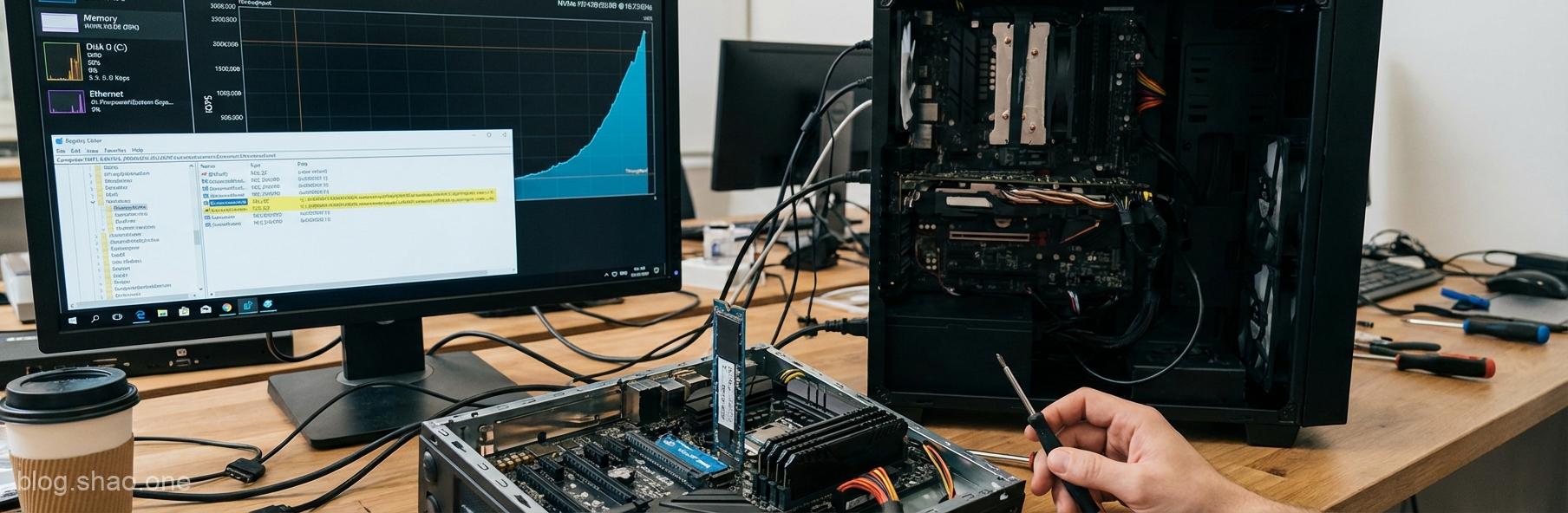
The pace of technological progress truly is "ever-changing." Sometimes we think our hardware has reached its peak, only to discover that a software update can breathe new life into it. Recently, the tech world was stunned by a jaw-dropping revelation: Microsoft quietly slipped a brand-new native NVMe driver into the latest Windows Server 2025.Even more astonishing, tech gurus discovered this driver can be forcibly enabled on Windows 11 through a "magic mod" to the registry. Rumor has it this tweak can boost SSD performance by up to 80%! Is this "the real deal" or "just hot air"? Today we'll dive into this "divine cheat code" that's got tech enthusiasts buzzing.
⚡ Key Highlight: From "Everyday Sedan" to "Supercar F1"
According to TechSpot's report, the core of this technology lies in Microsoft's redesigned NVMe stack for high-performance server environments. A developer successfully activated this feature in the latest Windows 11 (version 25H2) and shared his astonishing discovery:
- Performance Surge: Under specific test conditions, NVMe SSDs demonstrate a noticeable boost in random access speeds and throughput, with gains reaching up to 80%. For professionals who frequently read and write large files, this is like adding wings to a tiger.
- Native Driver Optimization: This new driver reduces the "communication overhead" between the system and hardware, eliminating the sluggish data transfer of the past.
- Windows 11 Hidden Perks: Although originally designed for servers, the underlying architecture's commonality allows consumer-grade Windows 11 to benefit as well.
⚠️ Spoiler alert: There's no such thing as a free lunch.
Seeing performance double, are you already itching to open the registry and make some tweaks? Hold on! As the saying goes, "Don't bite off more than you can chew." While this trick might seem like a sweet deal, the hidden risks behind it are absolutely not to be underestimated:
- System stability is a serious concern: After all, this isn't an official update released to the general public. Forcing it on could cause the system to act up—at best, leading to crashes and blue screens (BSOD), at worst potentially resulting in data corruption. If this computer is your livelihood, don't risk your livelihood.
- Version Restrictions: This feature is currently available primarily for Windows 11 preview builds (such as 25H2) or Windows Server 2025. If you're still using the regular stable release, you might see it but not be able to use it.
- Compatibility pitfalls: Not all NVMe SSDs will see such significant improvements. If your SSD driver has already been highly optimized by the manufacturer (such as Samsung or WD), Microsoft's native driver may actually backfire.
💡 Expert Analysis: What's Microsoft's Game Plan?
This incident highlights an intriguing phenomenon: software optimization for operating systems often carries greater impact than hardware upgrades. Microsoft has long faced criticism that Windows' I/O efficiency lags behind Linux. By investing heavily in optimizing NVMe drivers for Windows Server 2025, the company clearly aims to "settle the score" in the high-performance computing (HPC) and AI domains.For the average user, this is more like a "technical preview." While it currently requires highly risky registry modifications to achieve, it also means that in future Windows updates, we'll likely enjoy this "rocket-like" speed boost without needing any "magic tweaks." This is undoubtedly a win-win for gamers and professional creators alike.
🛠️ Advice for "Guinea Pig" Players
If you consider yourself a hardcore gamer and are mentally prepared to reinstall your system at any moment, and you want to experience this "speed sensation," be sure to follow these guidelines:
- Back up, back up, back up again: Store important data on an external hard drive or in the cloud first. Don't wait until disaster strikes to regret it.
- Create a system restore point: Before modifying the registry, set up a restore point. That way, if the system crashes, you'll have a way to backtrack.
- Proceed with caution: This technique is reserved for advanced users. If you're unfamiliar with registry editing, it's best to steer clear and wait for Microsoft's official release.
📝 Conclusion: View it calmly, and the future holds promise.
In summary, while this 80% performance boost is eye-catching, its practical value for the average user remains limited at this stage.Rather than risk tinkering with the registry, we should view this as a "tech bellwether." Let's hope Microsoft completes testing soon and brings this "black tech" to the official release. When that happens, everyone's SSDs will finally unlock their true potential—that's when it'll truly be worth it!”